
Smart digital displays with integrated video conferencing.
Built for the needs of your modern meeting room.
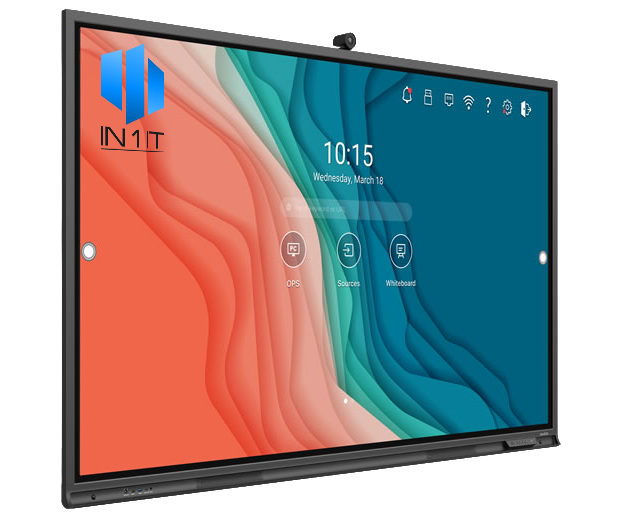
Meet our selection of smart video conference displays. Simplifying your connectivity.
With touch-screen controls and tablet like functionality, you can connect with
scheduled meetings without any technical glitches or unexpected interruptions.
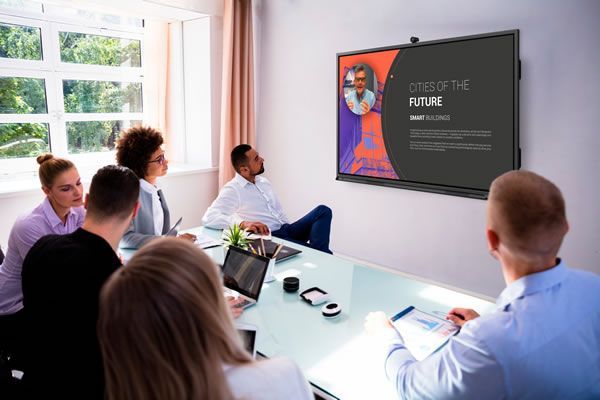


What can they do?
Our smart video conference displays run the apps you want, whether it be for video conferencing in Microsoft Teams, Google Meet, Zoom or any other Android based app, the connections you need are all available from the play store.
Sharing your laptop screen? Simply cast to the smart display using Google Chromecast, Apple Play or Miracast on Windows. Your laptop will appear on the display in seconds.
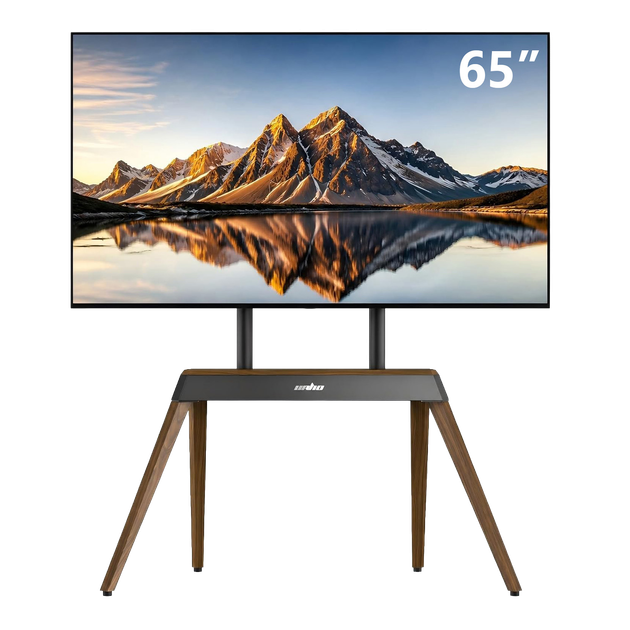
Use the way you want. Freestanding, fixed floor or wall-mounted. Our displays can be mounted using standardised TV mounting brackets.
Your team should have a screen that just works, every time. Supplied, installed and supported by IN 1 IT.
Why do you need a better meeting room?
Have you entered the meeting room, tried the dongle and found nothing connects? When it does finally work, you get told that you are very quiet and can’t be heard very well. Problem after problem.
It seemed to be what we heard all too often, so we found a product that got rid of the headaches. Open the calendar and join the meeting, no matter which meeting app the client wants. That’s what you do on your computer, why shouldn’t your meeting room work the same way? Now it does.
Poor sound quality?
With an 8 microphone array, the display can pickup sound in a room size up to 10 metres with noise reduction and echo cancellation built-in.
Video quality? With a 4k screen and a 4k extra-wide auto-focusing camera, expect to be complemented on how good the quality of the image is.
Want to connect your laptop directly to the screen? With a fast and easy USB-C connection on the front of the screen, you can connect your laptop with a single cable.
No more infuriating controls. Tap the screen to turn it on. Using the touchscreen you can navigate the device instantly. As simple as a phone.
Want more control? Connect a wireless keyboard and mouse to one of the USB ports on the front and you can use the screen like your laptop.
Control from your chair? With our navigation pad, you can do everything you can standing in front of the screen, but from your chair with the mini 7” touch pad.
Why businesses choose conference screens
More than a display. A smarter, faster way to run meetings.
Presentations
Got a big presentation to show off but left your laptop at your desk but need to share a file?
The smart screen can connect to your corporate files (OneDrive, Sharepoint, Google Drive, Dropbox, Box.com + more) and share directly to the meeting. Laptop optional.
Casting
Need to review that spreadsheet in a meeting but haven’t shared it yet? No problem, just cast from your laptop straight to the TV. Using Google Chrome you can cast your laptops entire screen straight to the smart display.
Done a quick search on your phone and want to show everyone else? Google Cast from Android or Apple Airplay from iPhone. Start screen sharing the easy way.
Whiteboards
A quick brainstorming session but nothing to draw on?
Simply open the whiteboard and start drawing. Written words will automatically convert into text and when you are finished just save the file back to your file shares or scan a QR code to download on your phone. Intelligent Collaboration.
See it in action
Watch a quick demonstration of the conference screen in a real meeting room setting.
Where conference screens work best
One screen, endless settings. Here's where our customers put them to work.
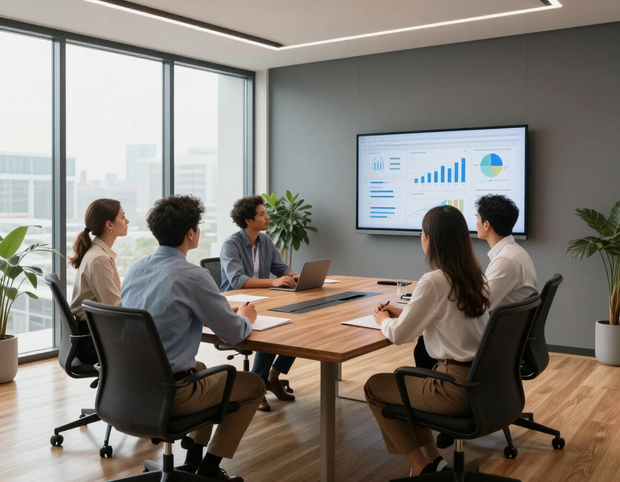
Meeting rooms
Replace the whiteboard and projector combo with one smart display for quick huddles and one-to-ones.

Conference rooms
Run bigger presentations, video calls and collaborative sessions with clients and stakeholders.
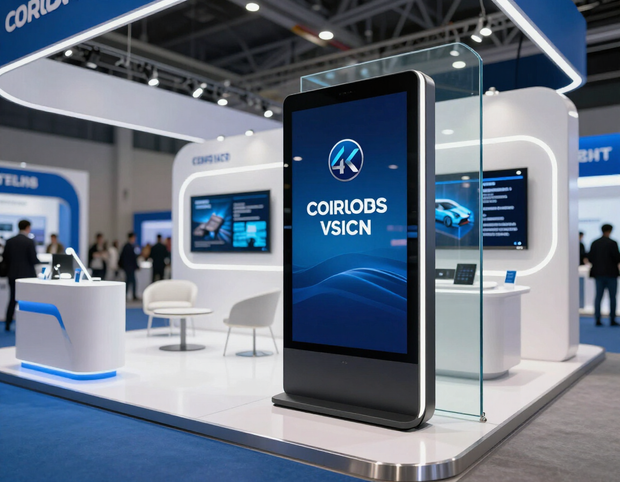
Events and exhibitions
Wheel the screen out to trade shows and exhibitions to showcase branding, demos and pitches.
Choose your screen
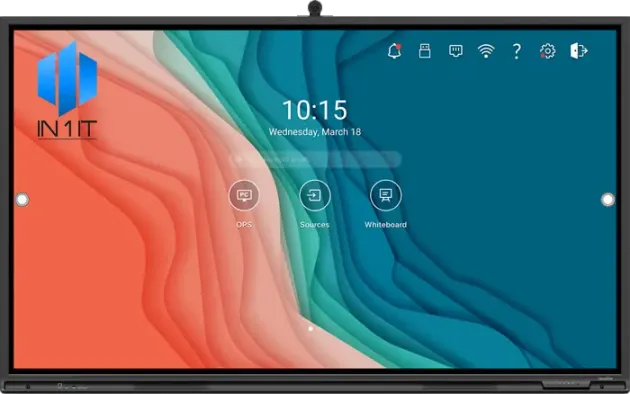
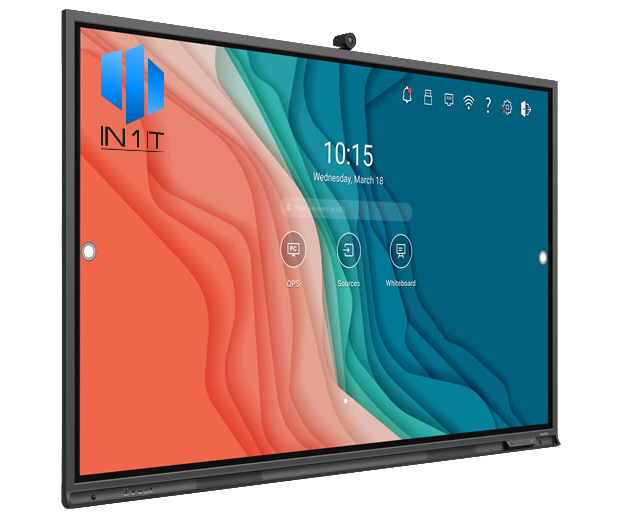
Three sizes to fit your space, from a huddle room to your biggest boardroom.
Problems our conference screens solve
The everyday meeting room issues our screens are built to remove.
Poor sound quality
Built-in far field microphones with noise reduction mean everyone is heard clearly, every time.
Connectivity issues
No more fiddling every time you go to use the screen. It connects reliably, first time, every time.
Unsupported meeting apps
Devices like Yealink and LG only support Teams and Zoom, not Google Meet. Our screens run any meeting app your clients need.
Awkward casting
No more casting to the TV and having to switch the input device. Cast straight to the same digital display you are already using.
No touch screen for brainstorms
Standard TVs with Yealink devices have no touch screen for brainstorm meetings. Ours run whiteboard sessions, automatically converting your writing to text and saving it to your file share.
Adverts on boot
Standard TVs boot up with adverts. Our displays never show adverts, so you go straight into your meeting.
Hard to reach ports
No more reaching round the back for HDMI or USB-C. Our ports sit on the front of the screen, ready to use.
Costly Rooms licensing
No need for dedicated Rooms device licensing in Microsoft 365 or Google. A standard license for Teams or Google Meet is all you need.
Limits on hosting large meetings
Cast to a web page that anyone can access, making it easy to host large meetings or demos beyond the room.
One app at a time
Open apps side by side with split screen, so you can view multiple documents at the same time during a meeting.
Ready to upgrade your meeting rooms?
Talk to In 1 IT about the right conference screen for your space, or ask about a live demo before you decide.